
Integrations
Google Calendar integration for your AI phone assistant
The assistant reads your calendar while it talks to the customer: it offers only free slots, books the appointment and moves it if the customer changes their mind.

Google Calendar
What it does
Books in real time
During the call it checks availability and books the appointment in the right slot.
Only free slots
Busy slots stay busy: no double bookings.
Multiple calendars
One calendar per doctor, staff member or room: the assistant books in the right one.
Two-way sync
If you move an appointment in Google Calendar, the assistant knows.
How to connect it
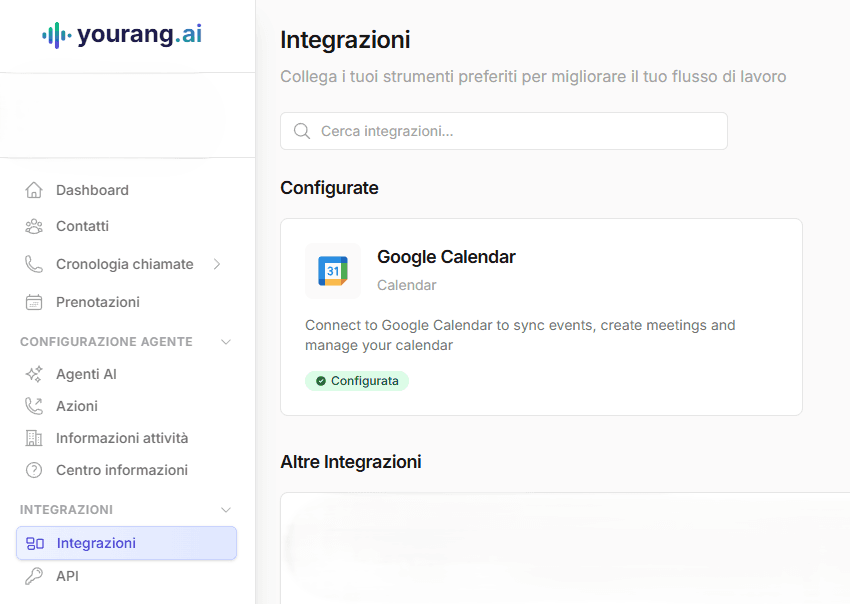
- 01In the yourang.ai dashboard, open Integrations.
- 02Choose Google Calendar and authorize access with your Google account. No keys to copy.
- 03Select the calendars the assistant can book in.
Use cases
Bookings
The customer calls, the assistant checks the calendar and books. Nobody has to touch the calendar.
Reschedules and cancellations
The customer calls back to change the time: the assistant updates the event and frees up the slot.
Multiple professionals
Practices and salons with several calendars: the assistant offers the times of the person requested, or the first one available.
Connect it and hear it at work.
Book a demo: we set it up with your tools and you try it with a real call.